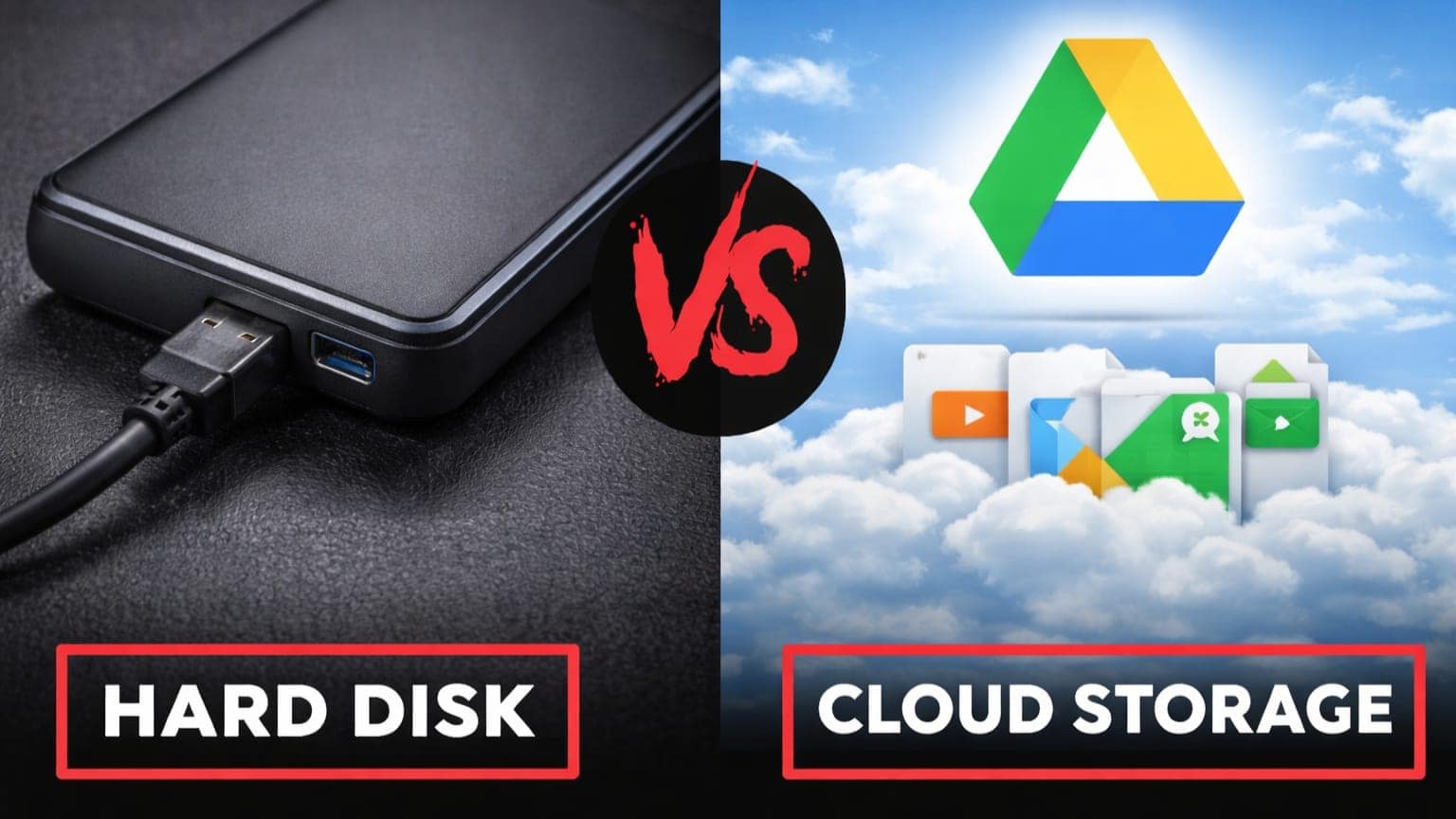
Many users are unsure where their data should be stored today. Cloud Storage vs Hard Disk : This clear comparison explains which storage option suits different needs.
Storage Options Explained
Cloud storage and hard disk storage are the two main ways people save digital data. From photos and videos to work documents and backups, almost everyone depends on storage in daily life.
This topic is relevant as internet use grows and data sizes increase. Students, office workers, small businesses, and families often struggle to decide which option is better. The right choice depends on usage habits, budget, internet access, and safety needs.

What is Cloud Storage?
Cloud storage means storing data on remote servers accessed over the internet. Files are not stored on your device alone. Instead, they are kept in secure data centers managed by service providers. Users log in using an account and can open files from any device. Many cloud services offer automatic syncing. When a file is updated on one device, the change appears everywhere. Cloud storage is widely used for emails, documents, photos, and shared work files. Most services provide limited free space and charge fees for larger storage plans.
What is Hard Disk Storage?
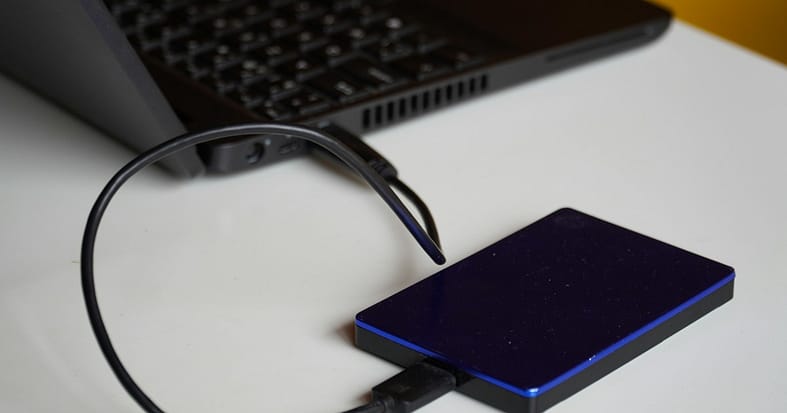
Hard disk storage refers to physical devices that store data locally. This includes internal hard disks inside computers and external hard drives connected by cable. Data stored on a hard disk does not need internet access. Files remain available as long as the device works properly. Many users prefer hard disks for backups, large media files, and long-term storage. Hard disks are purchased once. There are no monthly payments. However, devices can wear out, fail, or get damaged over time.
Let’s have a detailed overview!
Access and Ease of Use
Cloud storage allows access from anywhere with a stable internet connection. This makes it useful for people who travel or use multiple devices. Hard disks require physical access. Files can only be opened when the drive is connected. This can be limiting, but it also adds privacy.
Storage Capacity and Expansion
Cloud storage can be expanded easily by upgrading plans. There is no physical limit for users. Hard disk storage is limited by device size. To increase space, users must buy another drive.
Cost Comparison
Cloud storage often starts free but becomes costly over long periods. Monthly or yearly payments add up. Hard disks involve a one-time cost. For large storage needs, this can be cheaper in the long run.
Data Security and Privacy
Cloud services use encryption and backups. They protect against hardware failure but depend on account security and internet safety. Hard disks keep data offline. This reduces online threats but increases the risk of physical damage, theft, or loss.
Backup and Recover
Cloud storage usually backs up files automatically. Recovery is simple if a device fails. Hard disks require manual backup. If the drive fails without backup, data may be lost.
Speed and Performance
Cloud storage speed depends on the internet quality. Large uploads can be slow. Hard disks offer faster local access, especially for large files.
Long-Term Reliability
Cloud storage providers maintain servers and hardware. Users do not manage maintenance. Hard disks have a limited lifespan. Regular replacement is needed for safety.
| Factor | Cloud Storage | Hard Disk Storage |
| Internet Requirement | Required | Not required |
| Access Location | Anywhere | Only with the device |
| Cost Type | Recurring | One-time |
| Data Backup | Automatic | Manual |
| Risk Type | Account security | Physical damage |
| Best For | Sharing daily work | Large files, backups |
Best Option for Most Users
For many users, using both options together is the safest approach. Cloud storage handles daily work and syncing. Hard disks act as backup for important files.
| Choose Cloud Storage If | Choose Hard Disk Storage If |
| You use multiple devices | You store large files |
| You need easy file sharing | You need offline access |
| You want automatic backups | You prefer a one-time payment |
| You have reliable internet access | You handle sensitive personal data |
Why should you consider this?
Choosing the wrong storage can cause data loss or unnecessary expense. Students risk losing assignments. Businesses risk losing records. Families risk losing photos and memories. A clear understanding helps users protect their data and manage costs better. Look for the best offer before you buy on Amazon or Flipkart.
Our Personal Suggestion(Hard Disk) : Seagate One Touch 2Tb External HDD
Conclusion: Cloud Storage vs Hard Disk
Cloud storage and hard disk storage are not rivals but tools with different strengths. Cloud storage offers flexibility and access. Hard disk storage offers control and offline safety. The best decision depends on how the data is used. For most people, combining both options provides balance and peace of mind.
Editor’s Note:
Readers should review official storage policies, security features, and backup options before selecting any storage solution.