Your computer can do much more than you think. Many PC users install only a few basic programs and miss helpful tools that make daily work easier.
Here is a simple look at 10 everyday programs that many users trust. These useful PC software tools can save time, improve security, and help your PC run more smoothly.
Why We Selected These
We have carefully picked these top 10 useful PC software tools based on daily needs, ease of use, safety, and performance. Each program solves a common problem, whether it is playing media, editing files, protecting passwords, browsing safely, or improving productivity. Millions of users trust these tools, and they are suitable for students, office workers, creators, and home users. Together, they help make your computer faster, safer, and more efficient for everyday tasks.
We will briefly explain what each software does, why it is useful, and how it can help in daily tasks. You can also use the download link shared to install the one that fits your needs.
Top 10 Free Useful PC Software
These useful PC software tools help make everyday computer tasks faster and easier. They improve productivity, security, and overall PC performance for all types of users.
1. Brave (Private and Fast Web Browser)
Brave is a fast and privacy-focused web browser. It blocks ads and trackers automatically, which makes browsing safer and smoother. Since every PC user needs internet access first, starting with a secure browser is important.

Why is it useful:
- Safe and private browsing
- Built-in ad blocker
- Faster page loading
- Reduces unwanted tracking
Brave is a strong choice for users who want speed and better online security.
Official Download Link: https://brave.com/download/
2. VLC Media Player (Play Any Video or Audio File)
VLC Media Player is a free and powerful media player. It can play almost any video or audio format without needing extra codecs. This makes it one of the most reliable tools for everyday use.
It works smoothly even on older computers and supports subtitles, playlists, and streaming links. The interface is simple and clean, and it does not show ads or unwanted pop-ups. This makes the viewing experience smooth and distraction-free.

Why is it useful:
- Supports almost all media formats
- No extra codec installation needed
- Lightweight and fast
- Free and safe to use
VLC is ideal for watching movies, listening to music, and playing downloaded media files smoothly.
Official Download Link: https://www.videolan.org/vlc/
3. LibreOffice (Free Office Productivity Suite)
LibreOffice is a free office software that helps you create documents, spreadsheets, and presentations. It includes tools similar to Word, Excel, and PowerPoint. It works offline and supports most Microsoft Office file formats.
It does not show ads and is completely free to use. The interface is simple and suitable for students, office workers, and home users. LibreOffice is a reliable choice for daily writing, data work, and presentations without paying for a subscription.

Why is it useful:
- Free and open-source
- Works offline
- Compatible with Word, Excel, and PowerPoint files
- No ads or subscription
LibreOffice is ideal for writing documents, managing data, and creating presentations for school or office work.
Official Download Link: https://www.libreoffice.org/download/download-libreoffice/
4. Everything (Instant File Search Tool)
Everything is a fast file search tool for Windows. It helps you find files and folders on your computer in seconds. As soon as you type a name, it shows results instantly.
The software is lightweight and uses very little system memory. It does not show ads and works smoothly in the background. The simple interface makes it easy for any user.

Why is it useful:
- Instant file search results
- Very lightweight and fast
- Simple and clean interface
- No ads
Everything is ideal for users who have many files and want to save time searching on their PC.
Official Download Link: https://www.voidtools.com/downloads/
5. WinRAR (File Compression and Extraction Tool)
WinRAR is a file compression and extraction software. It helps you open ZIP and RAR files and reduce file size for easy sharing. Many downloaded files come in compressed format, and WinRAR makes it simple to access them.
The software is lightweight and easy to use. It does not show ads, but it may display a trial reminder message. Even after the trial period, it continues to work for basic use.

Why is it useful:
- Extracts ZIP and RAR files
- Compresses large files to a smaller size
- Supports password protection
- Simple and reliable
WinRAR is ideal for managing large files and organizing compressed folders on your PC.
Official Download Link: https://www.win-rar.com/download.html?&L=0
6.KeePass (Secure Password Manager)
KeePass is a free password manager that stores all your passwords in one secure place. You only need to remember one master password to access your database. This helps you avoid using weak or repeated passwords.
It works offline and does not show ads. Your data is protected with strong encryption, which makes it safe for personal and work use. The interface is simple and focused on security.

Why is it useful:
- Stores all passwords securely
- Strong encryption protection
- Works offline
- No ads or tracking
KeePass is ideal for users who want better online security and safe password management on their PC.
Official Download Link: https://keepass.info/download.html
7. Microsoft PowerToys (Advanced Windows Utility Tools)
Microsoft PowerToys is a free set of advanced tools for Windows users. It adds extra features that help improve productivity and system control. Tools like FancyZones help manage windows better, and the color picker helps designers quickly find color codes.
It is developed by Microsoft and does not show ads. The software runs smoothly in the background and is useful for users who want more control over their PC.

Why is it useful:
- Better window management with FancyZones
- Useful tools like the color picker and keyboard manager
- Improves productivity
- Free and ad-free
Microsoft PowerToys is ideal for users who want to customize and improve their Windows experience.
Official Download Link: https://apps.microsoft.com/detail/xp89dcgq3k6vld?hl=en-US&gl=IN
8. TeamViewer (Remote Desktop Access Software)
TeamViewer is a remote desktop software that lets you access and control another computer from anywhere. It is commonly used for remote support, office work, and helping friends or family fix PC problems.
It offers free use for personal users, but commercial use requires a license. It does not show regular ads, though it may display license or usage notices. The connection is secure and encrypted for safe remote access.

Why is it useful:
- Remote access to another PC
- Secure encrypted connection
- File transfer support
- Useful for tech support and remote work
TeamViewer is ideal for users who need safe and easy remote control of computers.
Official Download Link:https://www.teamviewer.com/en-in/download/windows/?
9. Audacity (Free Audio Editing Software)
Audacity is a free and open-source audio editing software. It allows you to record, cut, trim, and edit sound files easily. Many users use it for voice recordings, podcasts, and basic music editing.
It does not show ads and works offline. The interface is simple, but it also offers advanced tools for users who need more control. It runs smoothly on most computers.

Why is it useful:
- Record and edit audio files
- Supports multiple audio formats
- Free and open-source
- No ads
Audacity is ideal for students, content creators, and anyone who needs simple audio editing on their PC.
Official Download Link:https://www.audacityteam.org/download/
10. GIMP (Free Image Editing Software)
GIMP is a free and open-source image editing software. It allows you to edit photos, create graphics, and design simple artwork. Many users see it as a free alternative to paid image editing tools.
It does not show ads and works offline. The interface may look advanced at first, but it offers powerful tools like layers, filters, and color correction. It runs smoothly on most PCs.

Why is it useful:
- Edit and retouch photos
- Supports layers and advanced tools
- Free and open-source
- No ads
GIMP is ideal for bloggers, designers, students, and anyone who needs image editing without paying for expensive software.
Official Download Link:https://www.gimp.org/downloads/
11. TreeSize (Disk Space Analyzer Tool)
TreeSize is a disk space analyzer that shows which files and folders are using the most space on your computer. It scans your drive and displays folder sizes in a clear and organized way. This helps you quickly find large files that take up storage.
The software offers a free version for personal use. It does not show regular ads, but some advanced features are available in the paid version. The interface is simple and easy to understand.

Why is it useful:
- Shows folder and file sizes clearly
- Helps free up disk space
- Fast drive scanning
- Easy-to-use interface
TreeSize is ideal for users who want to clean up storage and improve PC performance by removing unnecessary large files.
Official Download Link:https://apps.microsoft.com/detail/xp9m26rsclnt88?hl=en-US&gl=IN
If you are also thinking about where to store your files, you can read our detailed guide on Cloud Storage vs Hard Disk. It explains the differences in cost, safety, speed, and long-term storage. This will help you decide which option is better for your personal or office use.
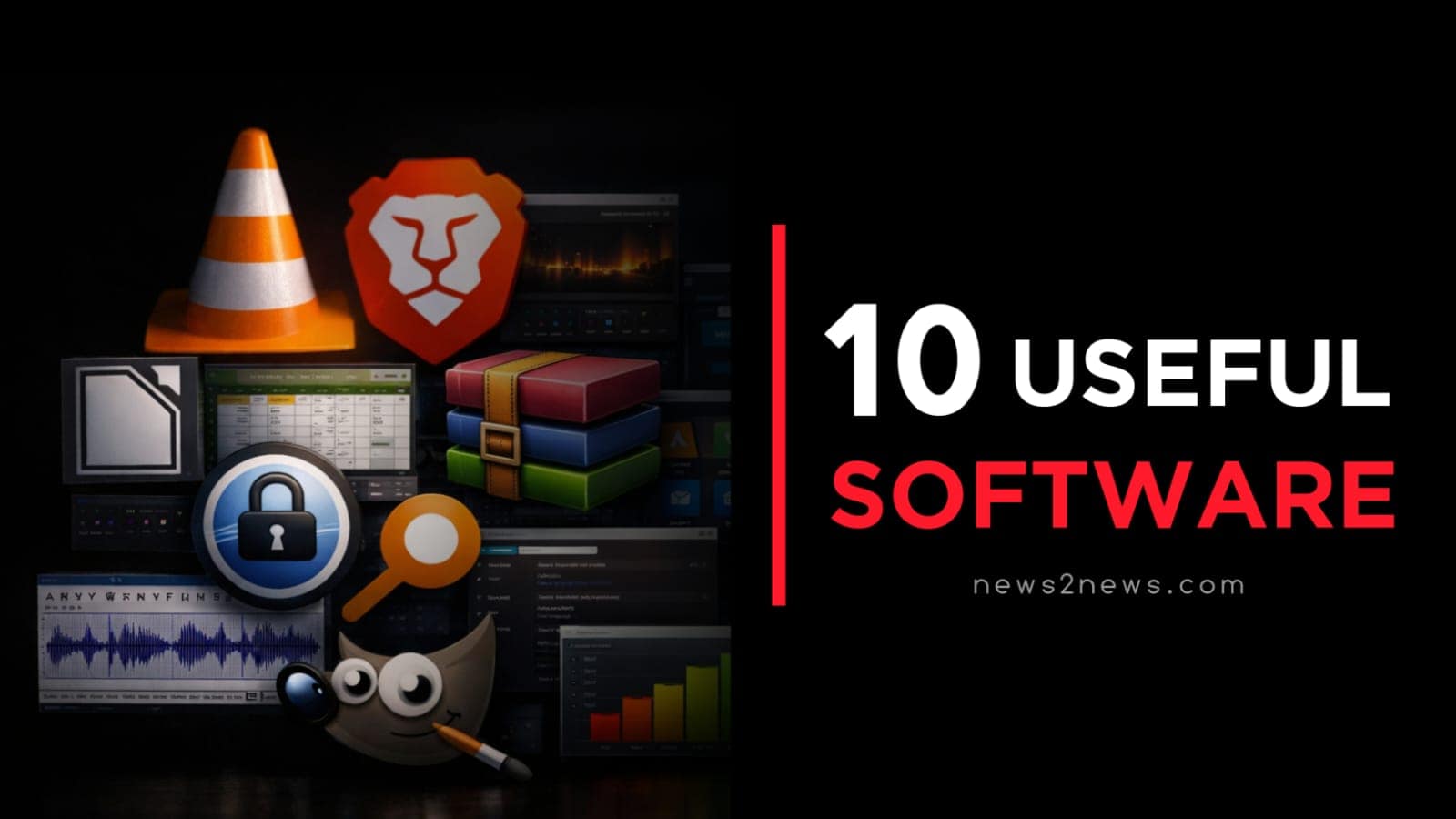
These Useful PC Software tools cover almost every daily need on a computer. From browsing safely with Brave, playing media in VLC, and creating documents in LibreOffice to managing files with Everything and WinRAR, each tool serves a clear purpose. KeePass protects your passwords, Microsoft PowerToys improves productivity, TeamViewer enables remote access, Audacity and GIMP support creative work, and TreeSize helps manage storage space. Together, these programs make your PC faster, safer, and more efficient for everyday tasks.
✔ These useful PC software tools can improve your daily computer experience.
✔ Install the ones you need and keep your system fast, safe, and organized.
➤ Follow for more helpful PC guides and software updates.